

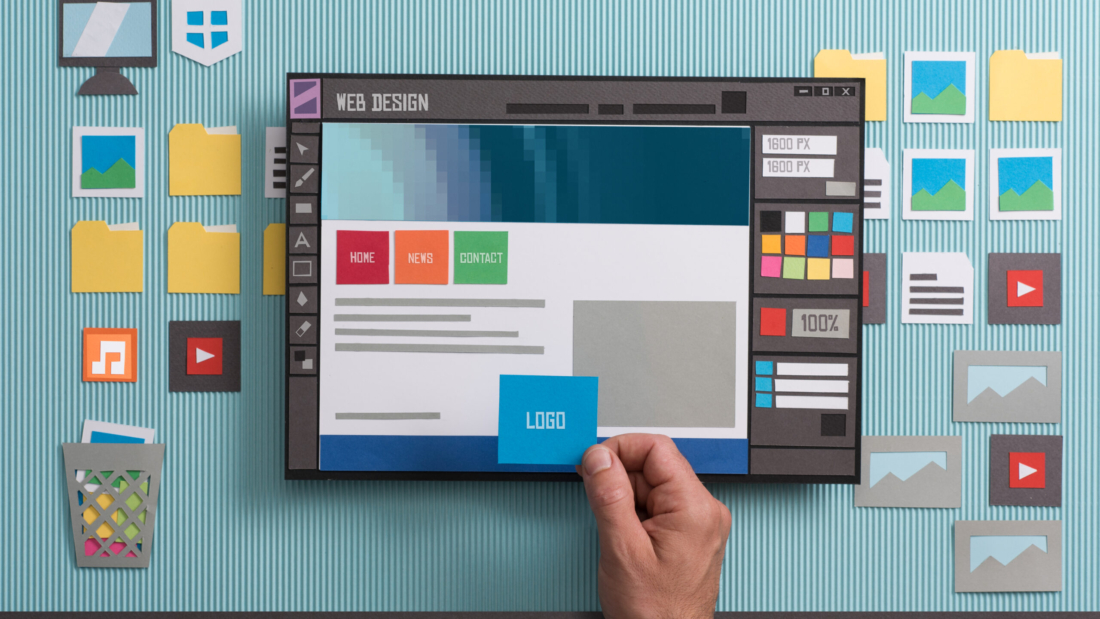
business owner noticing signs your website needs a redesign

Signs Your Website Needs a Redesign: 9 Costly Mistakes to Fix Now

Signs Your Website Needs a Redesign: 9 Costly Mistakes to Fix Now

Most business owners don’t wake up and decide to redesign their website. It usually creeps up — a slow homepage here, an outdated logo there — until one day a customer mentions the site “looks a little dated” and it stings because you know they’re right.

The tricky part is knowing where the line is. A site doesn’t need a full rebuild every time a trend shifts. But there are clear, measurable signs your website needs a redesign — and ignoring them tends to cost more in lost leads than the redesign itself would have.

Table of Contents

  1. Why Waiting Too Long Gets Expensive
  2. 1. Your Bounce Rate Keeps Climbing
  3. 2. It’s Not Actually Mobile-Friendly
  4. 3. Page Speed Is Dragging
  5. 4. Your Design Looks Five-Plus Years Old
  6. 5. Updating Content Requires a Developer Every Time
  7. 6. Organic Traffic Has Flatlined
  8. 7. Your Brand Has Evolved, Your Website Hasn’t
  9. 8. Competitors’ Sites Now Look Sharper Than Yours
  10. 9. Conversions Are Falling Even as Traffic Holds
  11. Redesign vs. Refresh: How to Tell Which You Need
  12. FAQ

Why Waiting Too Long Gets Expensive

Every one of the signs your website needs a redesign below has a dollar cost attached — a visitor who bounces, a lead who doesn’t fill out the form, a customer who quietly picks a competitor because their site felt more trustworthy. None of it shows up as a single dramatic event. It shows up as a slow leak in your numbers that’s easy to miss until you go looking for it.

1. Your Bounce Rate Keeps Climbing

If visitors land on your homepage and leave within seconds, that’s one of the earliest signs your website needs a redesign. A high bounce rate usually points to one of three problems: the page doesn’t load fast enough, the design doesn’t build trust, or visitors can’t tell what you actually offer within a few seconds of arriving.

2. It’s Not Actually Mobile-Friendly

More than half of web traffic now comes from phones. If your site requires pinching, zooming, or horizontal scrolling to read anything, you’re actively pushing away the majority of your visitors. Run your homepage through Google’s Mobile-Friendly Test — a failing result is one of the most concrete signs your website needs a redesign, not just a tweak.

3. Page Speed Is Dragging

Slow load times hurt in two places at once: user patience and search rankings, since Core Web Vitals are a direct Google ranking factor. If your pages take more than a few seconds to load, you’re losing visitors before they ever see your content — and no amount of good copy fixes that.
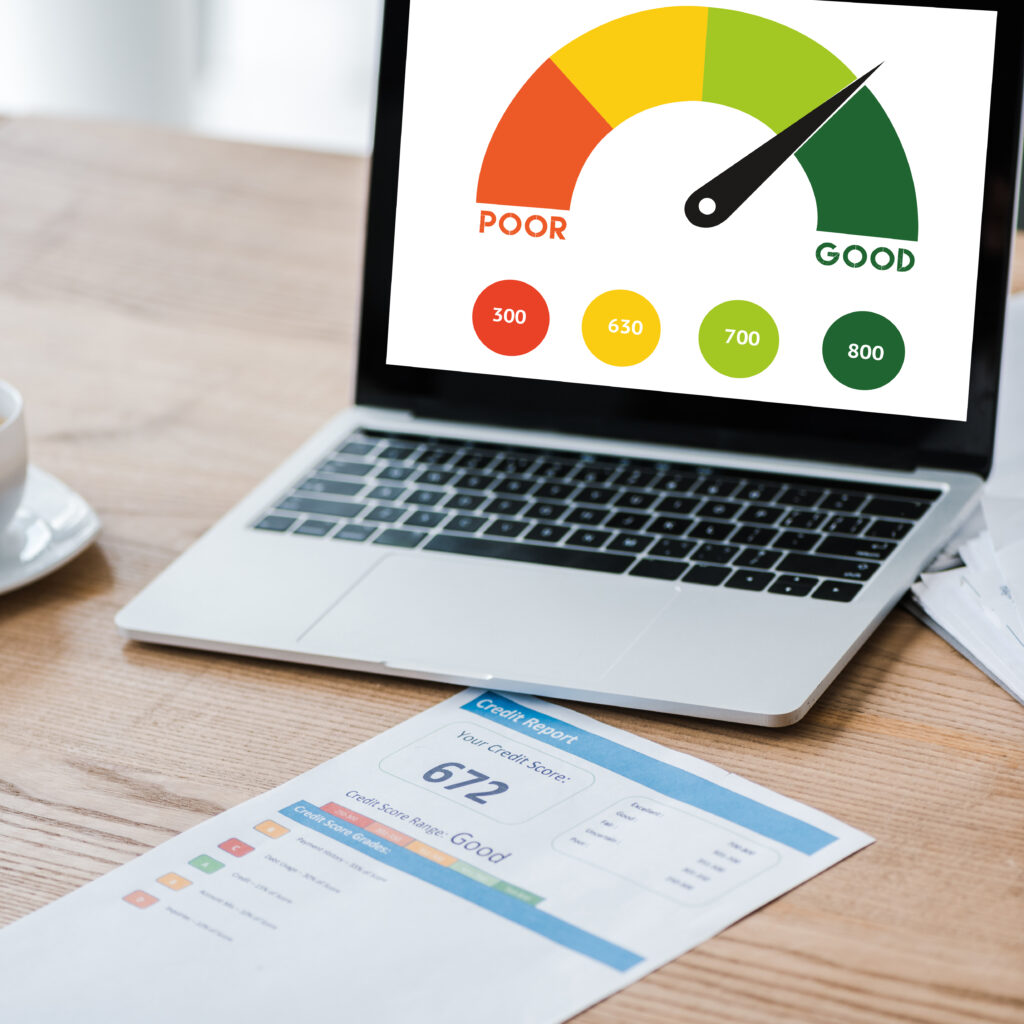
slow page speed score, a common sign your website needs a redesign
laptop with speed meter on screen near paper with credit report on desk

4. Your Design Looks Five-Plus Years Old

Web design trends move fast. Stock photography, layout conventions, and typography that felt current a few years ago can read as dated today — and an outdated look quietly signals an outdated business, whether or not that’s true. If your last real design update predates your current logo, that’s one of the signs your website needs a redesign sooner rather than later.

5. Updating Content Requires a Developer Every Time

A website should let you make basic changes — swap a photo, update a price, add a new service — without calling in a developer for a simple text edit. If every small update becomes a ticket and a wait, the underlying build (not just the visuals) is a sign your website needs a redesign with a more manageable CMS setup, like a properly structured WordPress and Elementor build.

6. Organic Traffic Has Flatlined

If your search traffic hasn’t moved in months despite consistent effort, outdated technical SEO is often the hidden cause — old metadata, broken internal linking, missing schema, or thin page structure. A redesign done with current SEO practices baked in (not just a visual refresh) is one of the more overlooked signs your website needs a redesign for growth, not just appearance.

7. Your Brand Has Evolved, Your Website Hasn’t

If your logo, messaging, or product line has changed since your last site launch, but the website still reflects the old version of your business, that mismatch confuses new visitors and undersells what you actually offer today.

8. Competitors’ Sites Now Look Sharper Than Yours

You don’t need to obsess over competitors, but it’s worth an honest look every so often. If their sites feel faster, clearer, and more modern than yours, prospective customers comparing you side by side are noticing the same gap you are.

9. Conversions Are Falling Even as Traffic Holds

This is the sign that should worry you most: your traffic numbers look fine, but fewer visitors are actually filling out the form, calling, or buying. That combination — steady traffic, falling conversions — is one of the clearest signs your website needs a redesign focused on user experience and trust signals, not just SEO.

Redesign vs. Refresh: How to Tell Which You Need

Not every problem calls for a full rebuild. Use this as a rough guide:

If you’re mainly dealing with…Consider a…
Outdated colors, fonts, or imagesVisual refresh
Slow speed, poor mobile experience, hard-to-update CMSFull redesign
Low conversions despite decent trafficUX-focused redesign
Flat or declining organic search trafficRedesign with SEO rebuilt in
Brand or messaging mismatch onlyContent and copy refresh

Frequently Asked Questions

How do I know if I need a full redesign or just a refresh? If the problems are mostly visual — outdated colors, fonts, or photography — a refresh is often enough. If you’re also dealing with speed, mobile usability, or falling conversions, those are structural signs your website needs a redesign, not just a new coat of paint.

How often should a website be redesigned? There’s no fixed schedule, but many sites start showing signs your website needs a redesign somewhere between three and five years, as design trends, technology, and user expectations shift.

Will a redesign hurt my SEO rankings? Not if it’s planned properly. A redesign done with proper 301 redirects, preserved URL structure where possible, and updated metadata typically improves rankings over time rather than hurting them — the risk comes from skipping that planning step, not from redesigning itself.

How long does a typical WordPress redesign take? It depends on scope, but a standard business site redesign on WordPress and Elementor usually runs a few weeks from planning to launch, longer for e-commerce or custom functionality.


Noticing more than one of these signs your website needs a redesign? See recent redesign projects or get in touch to talk through scope and timeline.


frustrated business owner after a bad freelance WordPress developer hire

Freelance WordPress Developer: 8 Proven Tips to Avoid Costly Hiring Mistakes

Freelance WordPress Developer: 8 Proven Tips to Avoid Costly Hiring Mistakes

WordPress powers a huge share of the web, which means searching for a freelance WordPress developer pulls up thousands of profiles instantly. Some are excellent. Many are theme-flippers who can install a template but can’t debug a plugin conflict at 11 p.m. before your launch. The difference rarely shows up until something breaks — and by then, fixing it costs more than hiring right the first time would have.

This guide walks through exactly what to check before you hire a freelance WordPress developer: portfolio signals, pricing structure, communication habits, and the maintenance question most buyers forget to ask.

Table of Contents

  1. Why Hiring the Wrong Freelance WordPress Developer Gets Expensive
  2. 1. Look Past the Portfolio Screenshots
  3. 2. Check How a Freelance WordPress Developer Prices Their Work
  4. 3. Ask About Their Actual Stack
  5. 4. Read Reviews for Patterns, Not Star Ratings
  6. 5. Test Communication Before You Sign Anything
  7. 6. Clarify What Happens After Launch
  8. 7. Ask for a Contract, Even for Small Projects
  9. 8. Match Experience Level to Project Complexity
  10. Quick Checklist Before You Hire
  11. FAQ

Why Hiring the Wrong Freelance WordPress Developer Gets Expensive

A cheap, rushed build from the wrong freelance WordPress developer usually shows up later as:

  • A site that breaks the first time a plugin auto-updates
  • Elementor pages so bloated they fail Core Web Vitals
  • No documentation, so the next developer has to rebuild instead of edit
  • A “final” invoice followed by a stream of “quick fix” requests at extra cost

None of this is inevitable. It’s avoidable with the right vetting process for your next freelance WordPress developer — the same one agencies use internally, compressed into a few checks you can do in an afternoon.

Image suggestion: Before/after screenshot comparing a slow, bloated page vs. an optimized one. Suggested alt text: “website speed comparison after hiring a skilled freelance WordPress developer”

1. Look Past the Portfolio Screenshots

Anyone can show you pretty homepages. What you actually need to verify before trusting a freelance WordPress developer with your project:

  • Live links, not screenshots. Click through to 2–3 real, currently-running sites. Screenshots hide slow load times and broken mobile layouts.
  • Similar scope to yours. A freelance WordPress developer who’s only built 5-page brochure sites may struggle with a WooCommerce catalog or a membership site.
  • Ownership, not templates. Ask directly: “Did you build this from a pre-made template, or from scratch?” Both are legitimate answers — but you want to know which one you’re paying for.
freelance WordPress developer reviewing a website build
Young Asian female software developer smiling while working at a professional computer workstation with programming code displayed on a monitor in a modern technology office. The scene represents software development, programming, coding, information technology, digital innovation, professional women in technology, and a positive workplace environment.

2. Check How a Freelance WordPress Developer Prices Their Work

Freelance WordPress pricing generally falls into three models:

ModelBest forWatch out for
Per-page rateFixed-scope brochure or small business sitesUnclear what counts as “one page” (e.g., long landing pages)
Fixed project quoteClearly defined scope with a spec sheetScope creep — get change requests in writing
HourlyOngoing work, unclear scope, maintenanceNo cap — ask for an estimated range up front

A freelance WordPress developer who can’t explain their pricing model in one sentence, or who won’t put scope in writing, is a warning sign regardless of how good their portfolio looks.

3. Ask About Their Actual Stack

“WordPress developer” covers a wide range of skill sets. Ask any freelance WordPress developer specifically:

  • Which page builder do they use — Elementor, Divi, Gutenberg, or custom code? This matters for future editability.
  • Do they build custom functionality with plugins like Contact Form 7, or write custom PHP when needed?
  • If you need e-commerce, do they have real WooCommerce experience — inventory, shipping rules, payment gateways — not just “I installed WooCommerce once”?

If your project needs anything beyond a standard brochure site, a freelance WordPress developer comfortable in Elementor Pro, WooCommerce, and Contact Form 7 will save you from hitting a wall halfway through.

4. Read Reviews for Patterns, Not Star Ratings

A 4.9-star average tells you almost nothing on its own. Read the actual review text for any freelance WordPress developer you’re considering, and look for repeated language around:

  • Responsiveness — do multiple clients mention fast replies?
  • Meeting deadlines — or repeated mentions of delays?
  • Post-delivery support — did the developer disappear after final payment, or stay reachable for fixes?

One bad review isn’t disqualifying. A pattern across a dozen reviews is.

5. Test Communication Before You Sign Anything

Send a real question before hiring — not “are you available,” but something specific to your project (“Can Elementor handle a multi-step quote form with conditional logic?”). A good freelance WordPress developer’s answer tells you:

  • Whether they understand the tools they claim to use
  • Whether they explain technical trade-offs in plain language
  • How fast they typically respond, which predicts what project communication will feel like

6. Clarify What Happens After Launch

This is the step most buyers skip when hiring a freelance WordPress developer — and the one that causes the most frustration later. Ask directly:

  • Is a maintenance period included, or billed separately?
  • Who handles plugin and WordPress core updates going forward?
  • What happens if the site breaks two months after launch — is that covered, or a new invoice?

A sole freelance WordPress developer managing your ongoing maintenance is common and often more cost-effective than an agency retainer — but only if the expectations are written down before the project starts, not negotiated after something goes wrong.

7. Ask for a Contract, Even for Small Projects

At minimum, a written agreement with your freelance WordPress developer should specify:

  • Total scope (number of pages, specific functionality)
  • What counts as a “revision” vs. a new scope item
  • Payment schedule (deposit, milestones, final payment)
  • Who owns the final files, plugin licenses, and hosting credentials

If a freelancer resists putting any of this in writing, treat that as information, not an inconvenience.

8. Match Experience Level to Project Complexity

You don’t always need the most senior (or most expensive) freelance WordPress developer available:

  • Simple brochure site, no e-commerce: A solid generalist with a clean portfolio is enough.
  • WooCommerce store or membership site: Look specifically for e-commerce project history, not just general WordPress experience.
  • Ongoing site management across multiple pages/products: Prioritize a freelance WordPress developer who works as a sole point of contact on maintenance, instead of rotating agency staff.

Quick Checklist Before You Hire

  • Clicked through to live portfolio sites, not just screenshots
  • Confirmed pricing model in writing (per-page, fixed, or hourly)
  • Verified stack matches project needs (Elementor, WooCommerce, custom PHP, etc.)
  • Read reviews for patterns in communication and reliability
  • Sent a specific test question and evaluated the response
  • Clarified post-launch maintenance terms
  • Got scope, revisions, and payment terms in a written agreement
  • Matched developer experience level to actual project complexity

Frequently Asked Questions

How much does a freelance WordPress developer cost? Rates vary widely by experience and region — from per-page pricing for small brochure sites to hourly rates for ongoing maintenance and custom development. Get a specific quote tied to your scope rather than comparing generic hourly rates alone.

Is Elementor good enough for a professional website? Yes, when used by an experienced freelance WordPress developer. Elementor Pro handles custom layouts, WooCommerce integration, and dynamic content well; performance issues usually come from bloated add-ons or unoptimized images, not the builder itself.

Should I hire a freelancer or an agency? A freelance WordPress developer is often faster to communicate with and more cost-effective for small-to-mid-size sites, provided they have a track record of ongoing maintenance and won’t disappear after launch. Agencies make more sense for large, multi-department projects needing several specialists at once.

What’s the biggest mistake people make when hiring? Skipping the post-launch conversation. Most disputes happen not during the build, but a month or two after launch, when maintenance expectations were never written down with the freelance WordPress developer.


Ready to work with a freelance WordPress developer who sticks around after launch? See recent projects or get in touch to discuss your scope and timeline.